
Web applications
Construction CRM
Key features: client and prospect management, scheduling and tasks, and job site management.
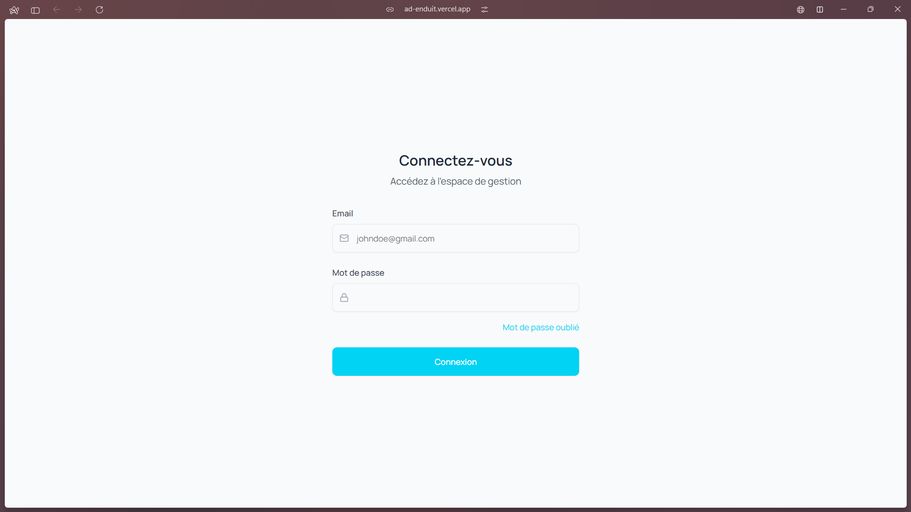
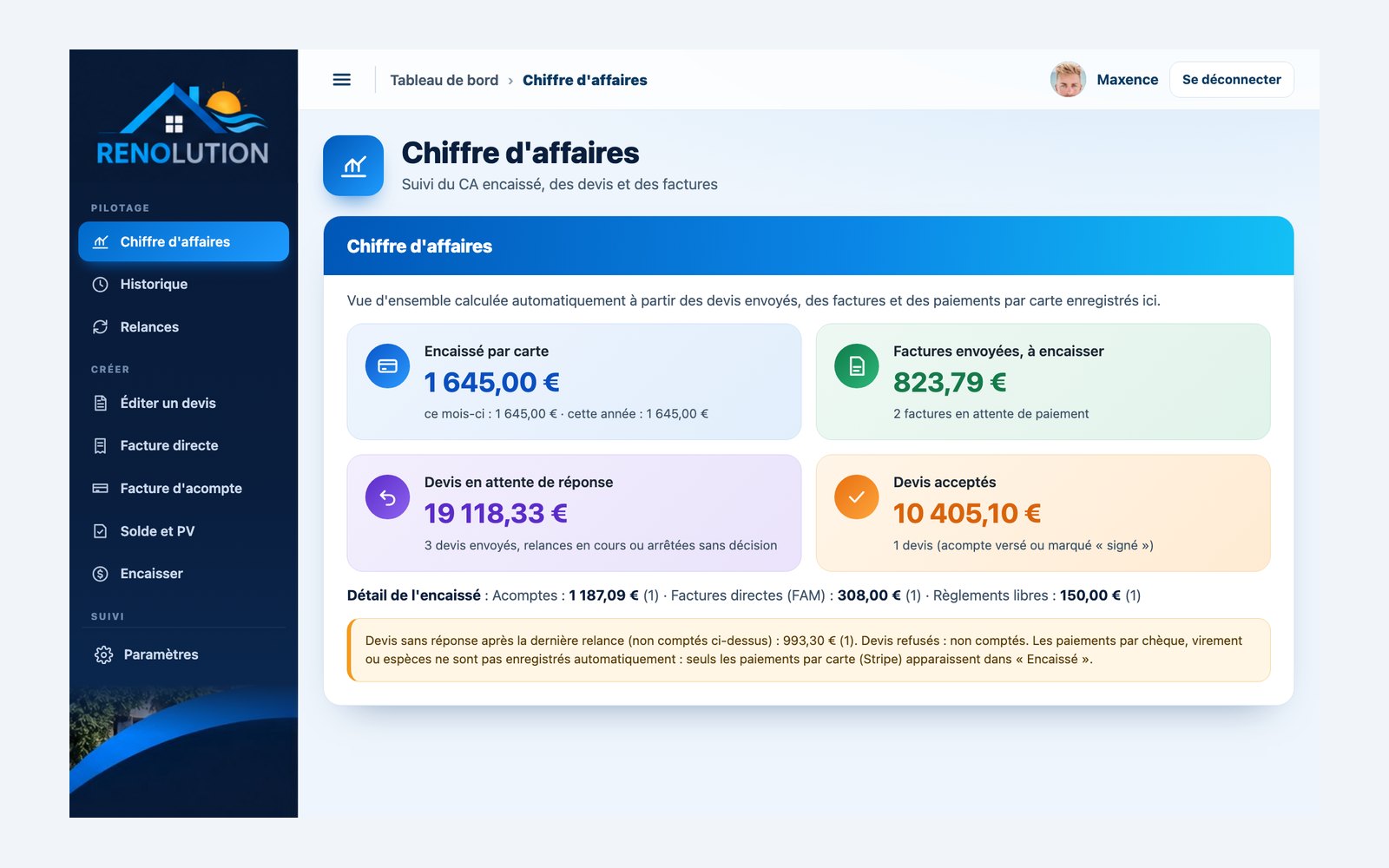
An all-in-one back office for a roofing and facade contractor: quotes, invoices, follow-ups, card payments and automatically calculated revenue, on a single admin page designed for PC and iPad.
The client is an independent roofing and facade contractor. Before the project, quotes, invoices, quote follow-ups and payment tracking relied on emails, separate files and manual reminders. The owner, often on site, needed to handle all of this quickly from a computer or a tablet. The goal: replace five tools with a single screen.
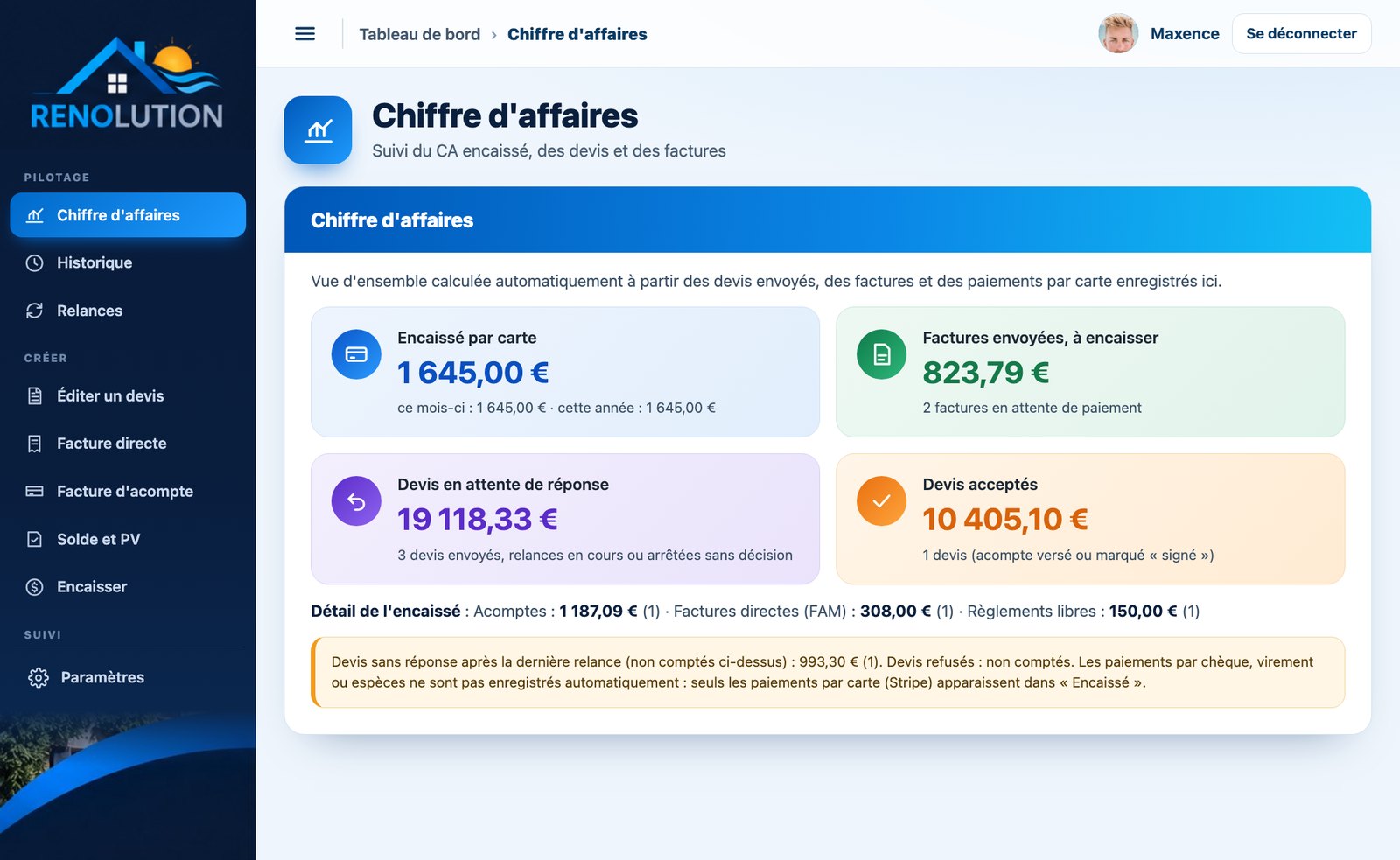
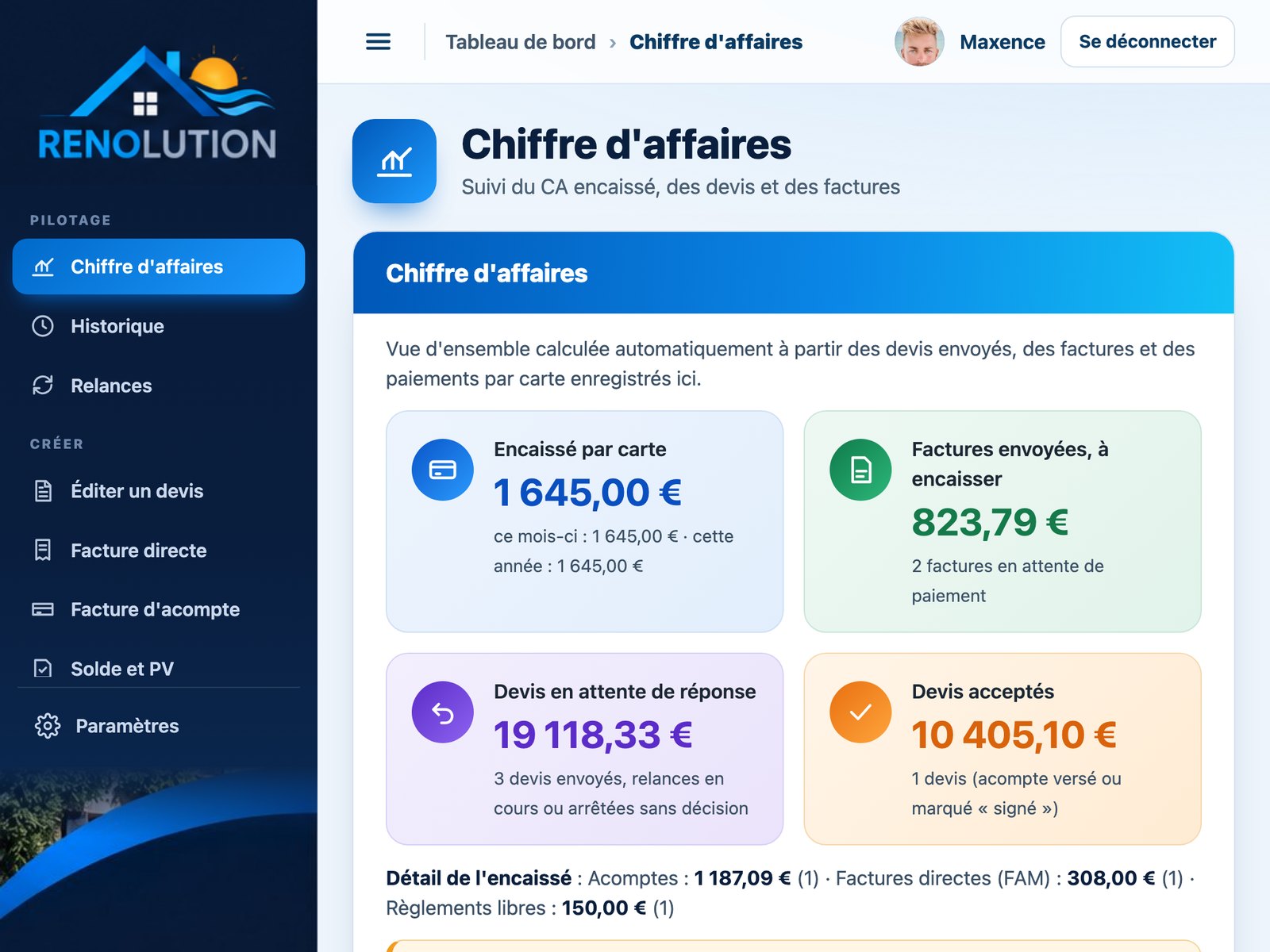
No manual entry: figures come from sent quotes, issued invoices and card payments received. Declined quotes are never counted.
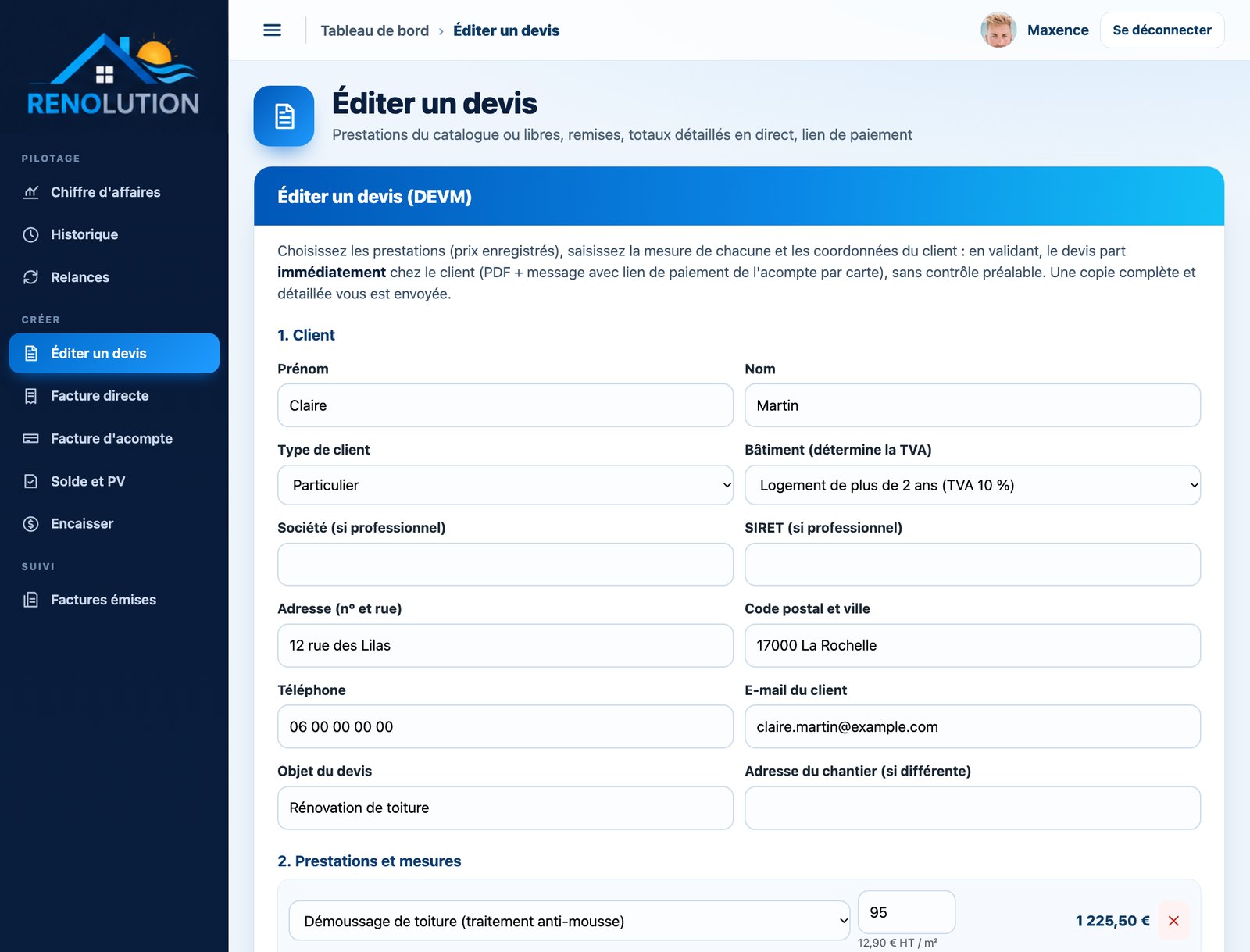
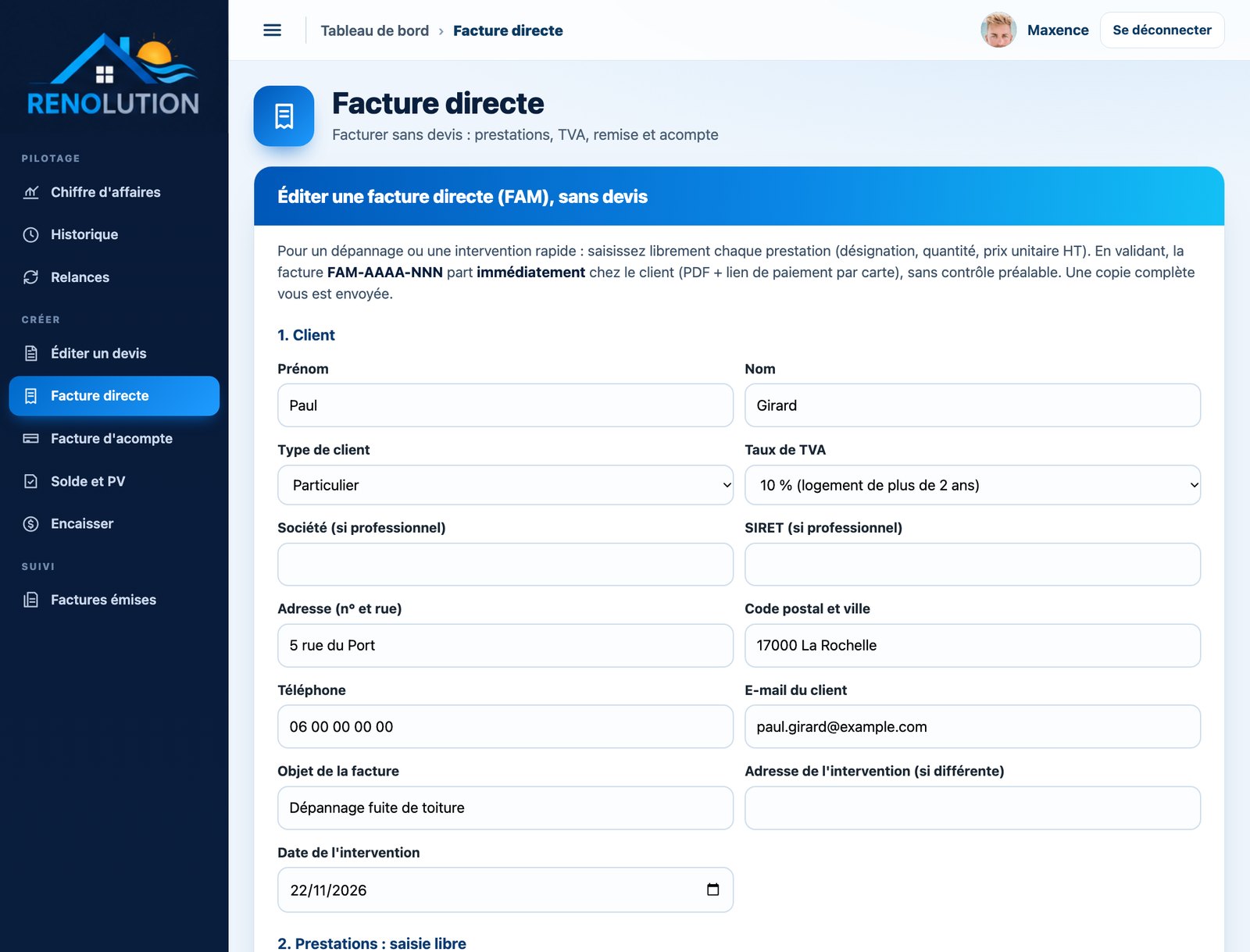
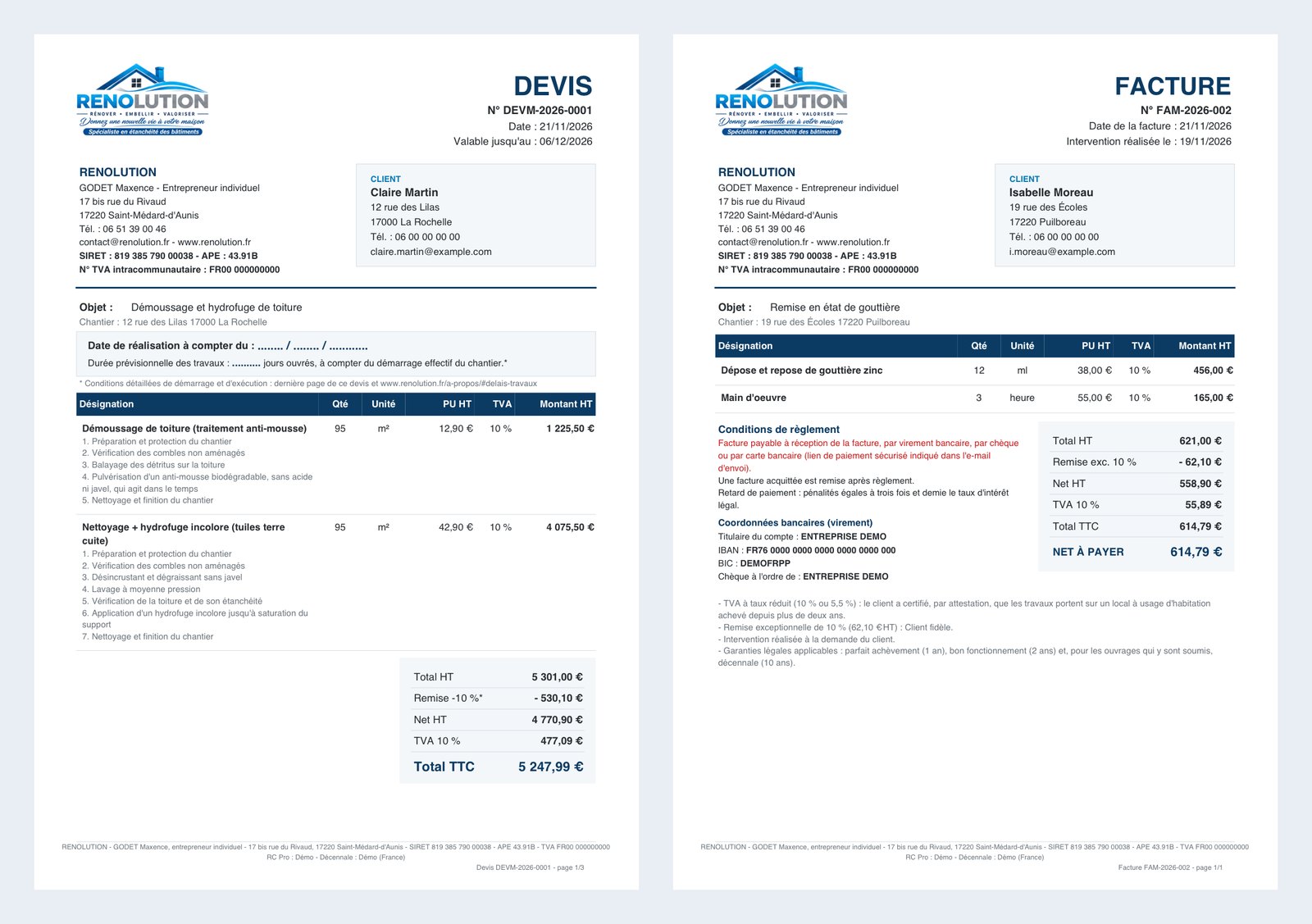
Automatic and exceptional discounts with a printed reason, VAT calculated per line (20%, 10%, 5.5%), automatic numbering and legal notices.
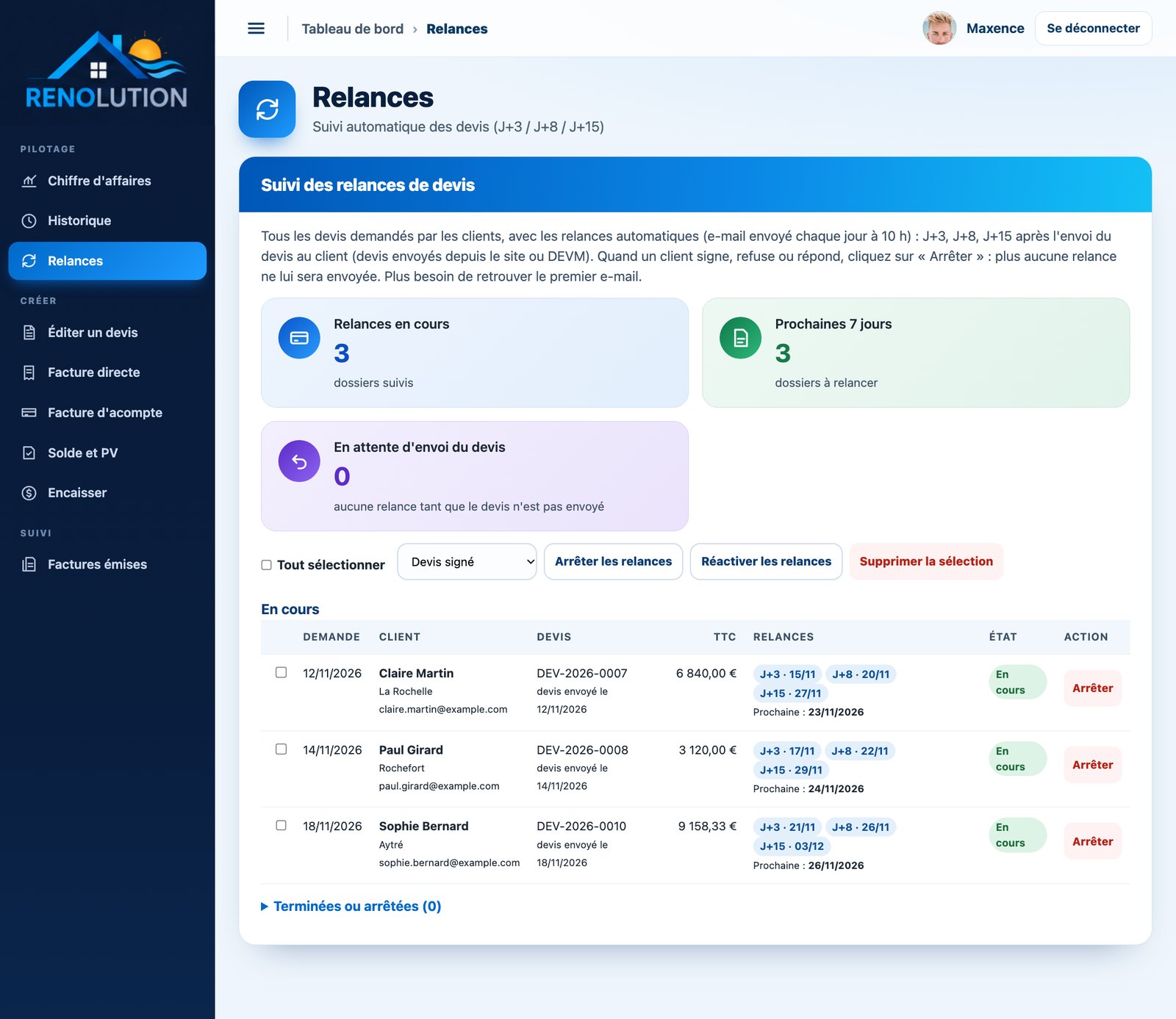
Three follow-ups per quote (D+3, D+8, D+15), a daily email at 10 a.m., bulk stop or reactivation.
Card payment link (Stripe) on every quote and invoice, invoice marked paid automatically, hashed password, CSRF protection and signed links.
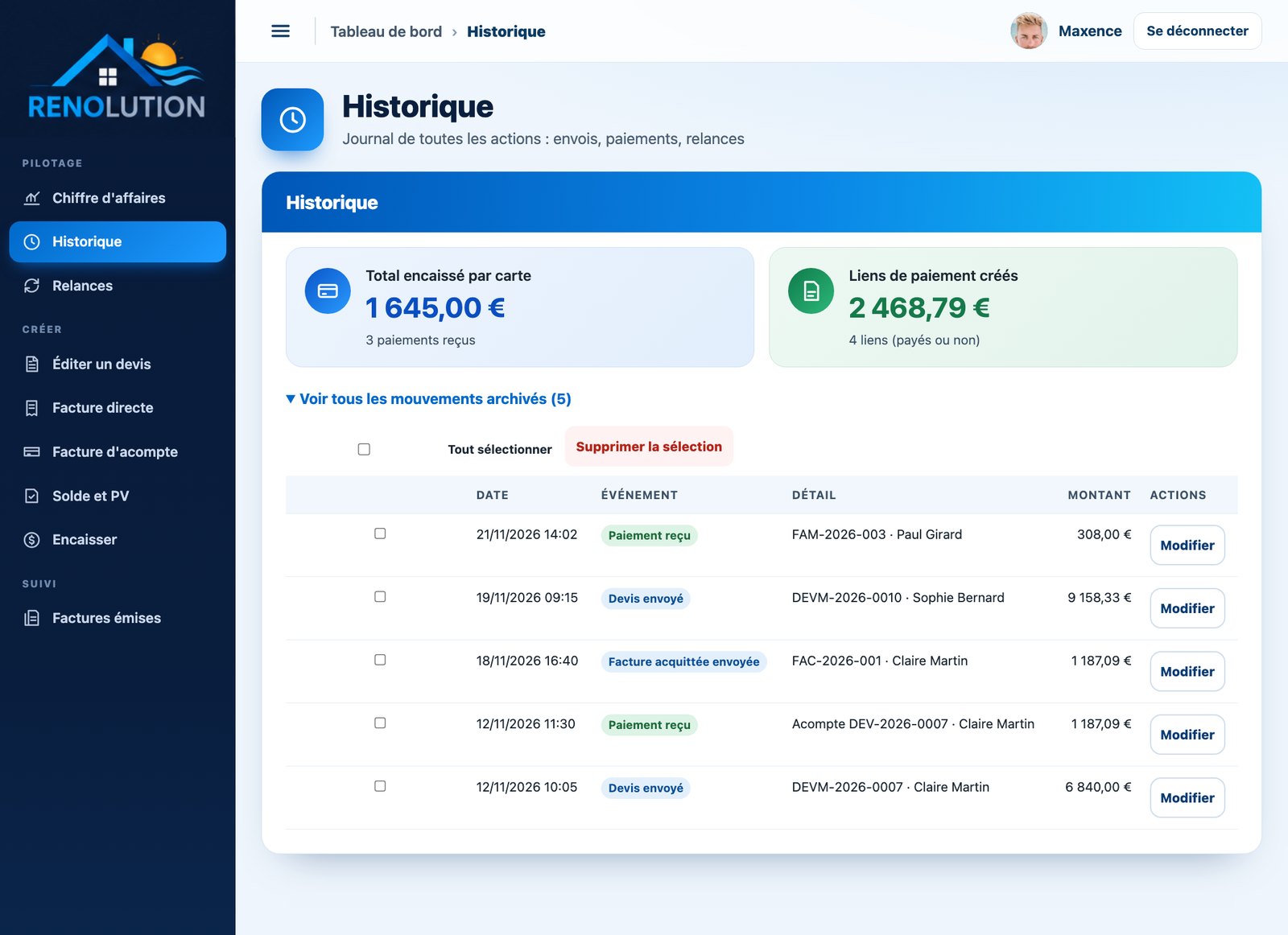
Revenue: card payments received (month, year, by type), invoices to collect, pending quotes and accepted quotes, calculated automatically from the data.
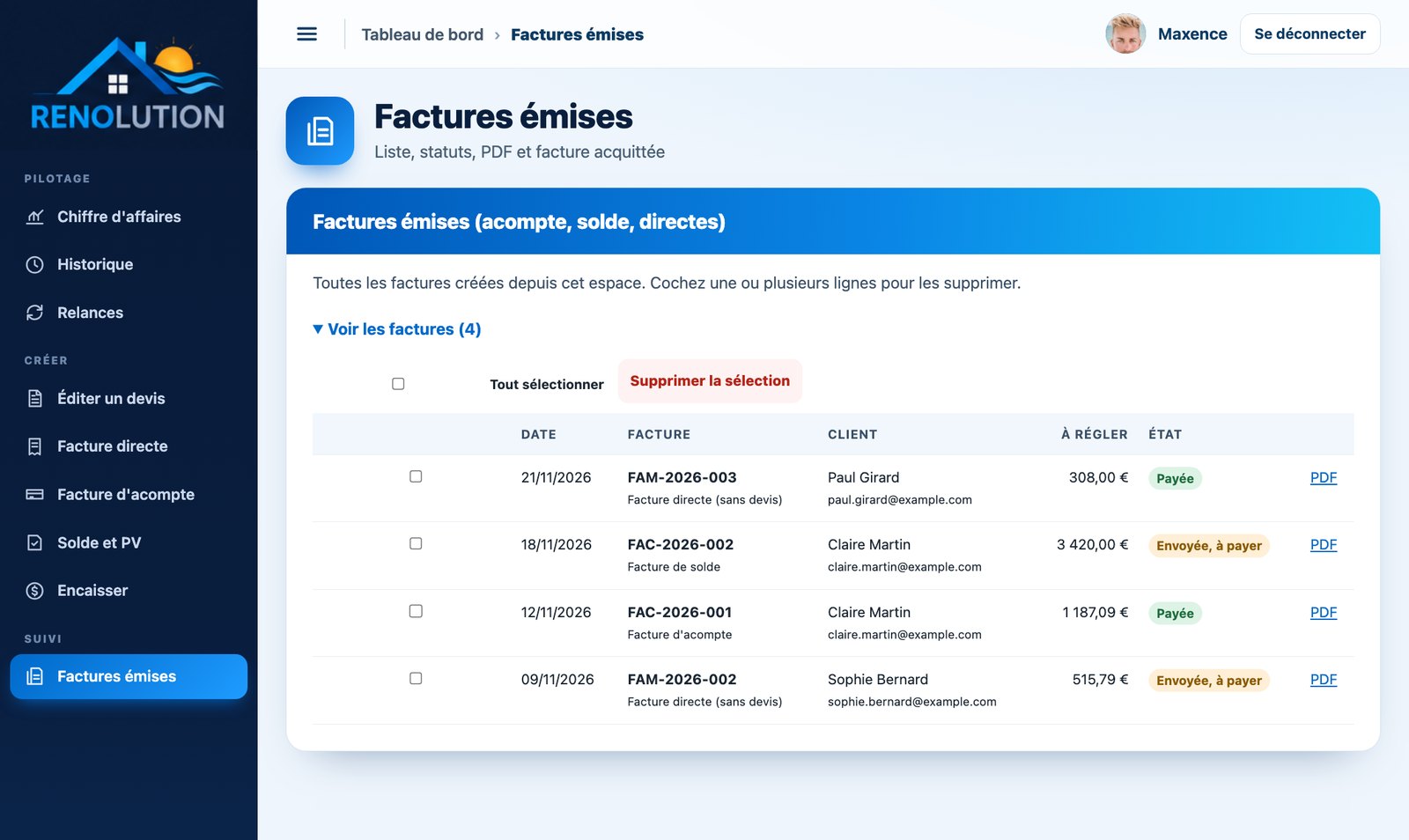
Quotes and invoices: quotes from a price catalog or free-form lines, direct invoices for emergency repairs, deposit invoices, final invoices and handover reports.
Follow-ups and history: each quote with its scheduled, sent or stopped follow-ups, the list of issued invoices and a log of every transaction.
time to create a quote: over 30 min before the project, under 2 min targeted with the tool
admin sections, gathered in a single sidebar menu
automatic follow-ups per quote (D+3, D+8, D+15)
of totals calculated automatically, no re-entry
* Values observed on the demo, not taken from a client measurement in production.
Book a free audit and find out how LYTRO AI can help you.
Key features: client and prospect management, scheduling and tasks, and job site management.
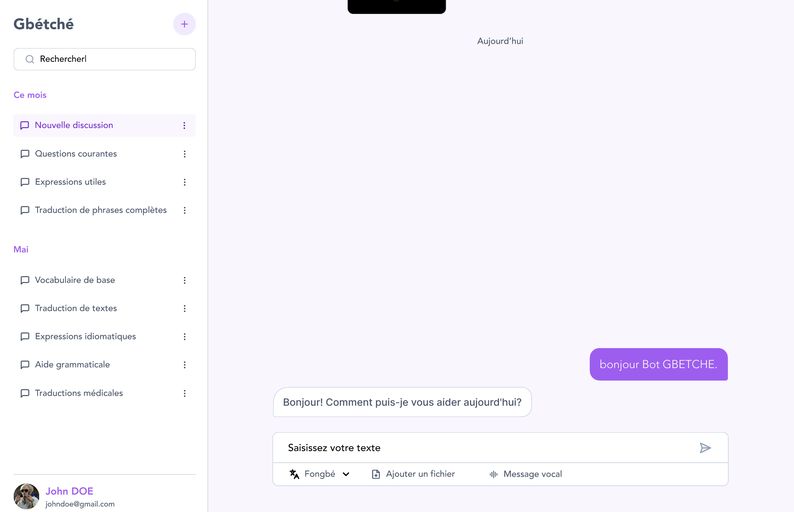
Key features: voice and text recognition of local languages, real-time translation into international languages and an intuitive interface via a user-friendly chatbot.